Looking for a Microsoft 365 E3 alternative?
Microsoft 365 E3, while generally a productivity suite, includes Exchange Online Protection (EOP) for basic spam and malware filtering, with limited DLP and encryption. It lacks sandboxing, advanced phishing protection, and rich compliance visibility.
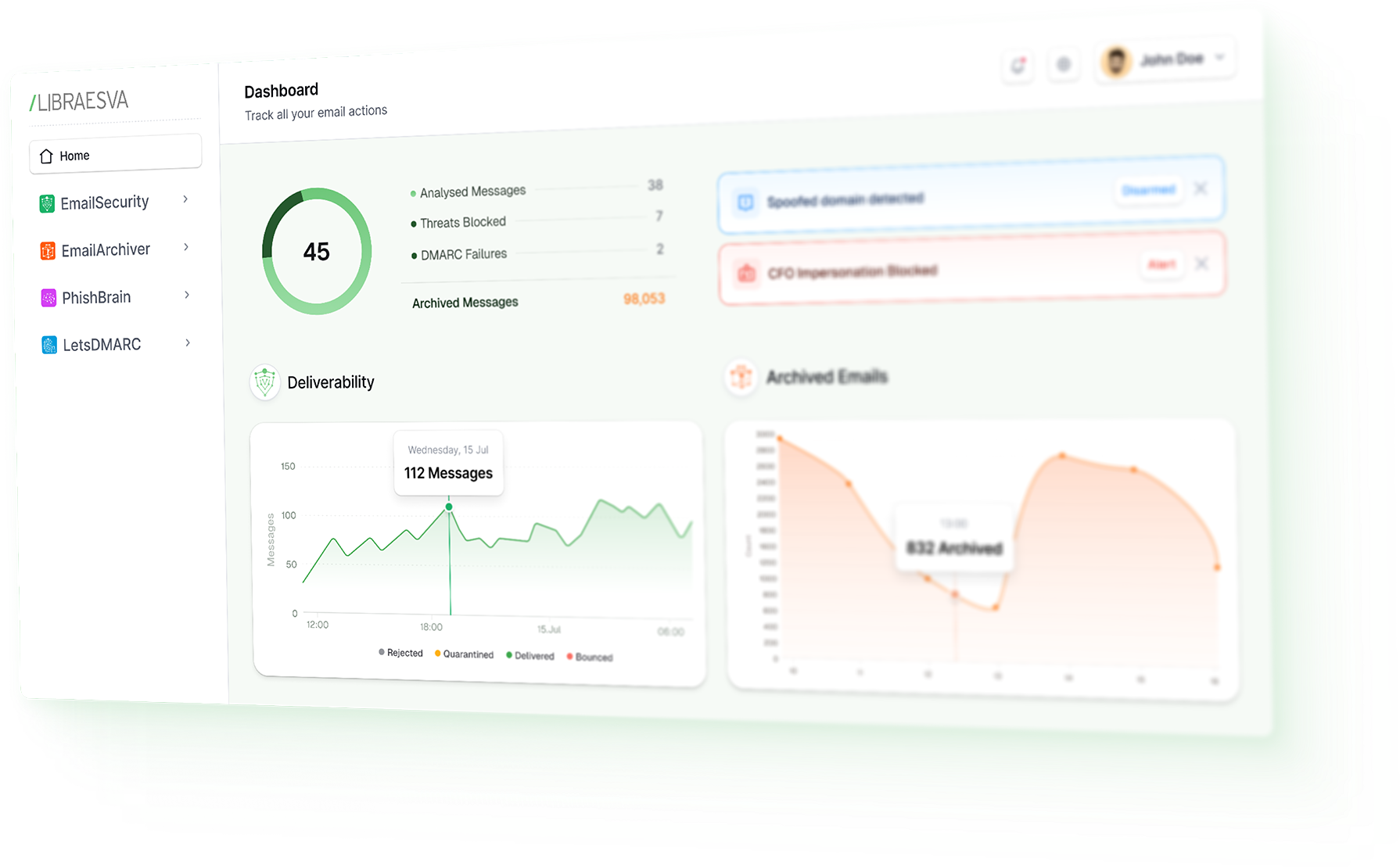

Strengths & Weaknesses of Microsoft 365 E3
| E3 Strengths | E3 Weaknesses |
|---|---|
| Popular core suite for productivity, identity, and basic security | Missing sandboxing, phishing simulation, and proactive security tools |
| Comes with Exchange Online Protection and standard compliance tools | No automated threat response or advanced reporting |
| Well-priced for large organizations and public sector | Many users end up adding third-party tools or upgrading to E5 for security |
At a Glance
| Capability | Defender E3 | Libraesva Email Security |
|---|---|---|
| Anti-Spam & Phishing | Basic EOP only | Advanced AI filtering |
| Attachment Sandboxing | ||
| URL Protection | ||
| DLP / Encryption | Basic | |
| Archiving | Email Archiver option | |
| Auto Remediation | One-click mailbox cleanup | |
| Visibility & Logs | Limited (90 days) | Long-term, searchable logs |
Full Feature Breakdown
| Feature | 365 E3 | Libraesva Email Security |
|---|---|---|
| Message, body & header scanning | Basic spoofing/SPF/DKIM/DMARC checks via EOP | Semantic AI content analysis & Adaptive Trust AI Engine |
| Attachment inspection & quarantine | Not included by default (no ATP in E3) | Gateway sandbox, local / hybrid detonation |
| URL analysis & protection | Static filters only | Active URL analysis & filtering |
| Threat investigation & hunting | Lacks advanced hunting | Dashboards, threat search, investigation workflows |
| Automated incident response | Manual only | One-click remediation across mailboxes via API |
| User awareness & phishing simulation | PhishBrain option for simulations & training | |
| Core anti-spam & malware filtering | EOP baseline protection | Multi-engine + API filtering |
| Outbound protection (DLP + anti-spam) | Basic DLP policies, manual setup | Outbound DLP rules, encryption triggers, anti-spam |
| Email archiving & retention | In-Place mailbox archive (Exchange Online Archiving) | Email Archiver option |
| eDiscovery & legal hold | Core eDiscovery (Standard) – case search, basic holds | Email Archiver option |
| Audit log retention | Default 180-day log retention (unified audit) | Email Archiver option |
| Encryption | Office Message Encryption (OME) – policy-based email encryption | Policy-based AES-256 encryption |
| Insider risk monitoring | Adaptive Trust AI identifies insider threats & account compromise | |
| Business analytics & reporting | Only basic email stats | KPI dashboards, trends & reporting API |
| Deployment | Cloud-only (Office 365 service) | Cloud, on-prem, private cloud (multi-tenant or dedicated) |
| Integration | Basic Microsoft ecosystem integrations and SMTP journaling | Open integration: REST API, syslog, SIEM/SOAR; M365 & Google |
| Social graph / identity heuristics | Social graph model identifies anomalies | |
| Voice / collaboration features |
FAQ
What is Microsoft 365 E3 (from an email security perspective)?
Does Microsoft 365 E3 include advanced phishing protection?
Does Microsoft 365 E3 include attachment sandboxing and advanced URL protection?
Why layer Libraesva with Microsoft 365 E3 instead of upgrading to E5 for security?
What does Libraesva add on top of E3’s default protection?
Does Libraesva support outbound protection and DLP compared to E3?
How do investigation and response workflows compare?
What about user awareness and phishing simulation training?
How do visibility and log retention compare?
What encryption capabilities are covered?
Can Libraesva help with insider risk or account compromise?
What deployment options differ most between E3 and Libraesva?
If we’re happy with E3 for productivity, what’s the simplest way to improve security?
Why avoid relying on a single-source protection layer?

Libraesva Email Security sees what others miss

Understand the message
Semantic AI goes beyond keywords and reads the intent behind every email, catching impersonation and AI-written deception others ignore.

Know what “normal” looks like
Adaptive Trust AI continuously maps your organization’s communication patterns to flag unusual interactions and behavioral anomalies in real-time.

Layers of defense
Secure gateway scanning with deep AI stops threats at every stage. Semantic and Adaptive Trust AI detect deception, while sandboxing and URL checks stop what others miss.
Trusted by companies like these






Libraesva delivers layered, AI driven defense to protect businesses and people against modern email threats.
Layering Libraesva upgrades E3’s default security to enterprise-grade email defense, adding AI phishing detection, sandboxing, archiving, and encryption at a lower cost than upgrading to E5.