Email Archiving Best Practices: Compliance, Security & Retention Guide
Discover email archiving best practices to ensure compliance, legal readiness, secure retention, and easy access. Learn how to choose the right email archiving solution for your organization.
Why is email archiving important?
Robust email archiving protects your organization from legal risk, ensures regulatory compliance, and improves operational efficiency. It provides structured, secure, and searchable preservation of all your organization’s email communications:
- Ensuring legal compliance and a complete, immutable record
- Supporting compliance audits
- Reducing mailbox storage bloat
- Recovering lost or deleted emails
- Enabling fast eDiscovery processes
Five best practice tips for email archiving:
1. Choose a solution with built-in compliance tools
Unlike standard email platforms, the right purpose-built archiving solution can ensure long-term integrity, tamper resistance, and granular retention control. Compliance is likely to be a priority, so make sure your email archiving solution supports regulatory requirements out of the box to reduce your legal exposure and simplify audits.
Look for features such as:
- GDPR-ready architecture
- Security-by-design infrastructure
- Certified time stamping for every email
- Legal hold capabilities
- Built-in encryption (in transit and at rest)
- Comprehensive role-based permissions
- Support for sensitive data lockdown
- Audit logs and anti-tampering controls
- Configurable retention policies
- eDiscovery readiness
- Multi-region support and on-premise/cloud deployment options
2. Ensure secure and easy access for authorized users
Email archiving isn’t just for IT teams. Legal, HR, compliance officers, and leadership often need controlled access. A modern archiving solution should provide:
- Cloud-based secure access
- Self-service search portals
- Granular access controls
- Detailed audit tracking
Ease of authorized access improves productivity while maintaining strict governance.
3. Support multiple copies and flexible retention rules
Data resilience is critical. Even highly secure storage environments require redundancy to protect against hardware failure, cyberattacks, natural disasters, or accidental deletion.
Flexible retention policies ensure compliance with industry-specific regulations while avoiding over-retention risk, so look for:
- Automatic replication across multiple storage volumes
- Geographically distributed backups
- The ability to determine different retention periods by data category
- Immutable storage options
4. Prioritize seamless integration
Many organizations rely on email platforms such as Microsoft 365 and Google Workspace that offer basic retention features. But they often lack advanced compliance workflows and may not be able to meet your retention and auditing requirements. A robust email archiving solution should integrate seamlessly with any software or environment, so you should look for:
- Migration support in line with the EU Data Act 2025
- Full REST API support
- Integration with security information and event management (SIEM) and compliance tools
- Compatibility with hybrid environments
5. Open format storage
Your archived data must remain accessible regardless of provider — for example, Libraesva’s Email Archiver stores emails in EML format within ZIP files, a widely-supported standard format that ensures easy portability and transparency.

Common email archiving mistakes to avoid
To further strengthen your strategy, avoid these pitfalls:
- Relying solely on mailbox retention
- Failing to define retention policies
- Ignoring audit trail requirements
- Over-retaining data unnecessarily
- Not testing eDiscovery workflows
Email archiving is a proactive risk management strategy
Email archiving is not simply an IT function — it’s a core component of risk management, compliance, and data governance.
The right solution will:
- Keep your business litigation-ready
- Simplify regulatory compliance
- Improve operational efficiency
- Ensure long-term data integrity
As regulatory frameworks evolve and data volumes grow, organizations that invest in structured archiving now will be better positioned to meet future compliance challenges.
Libraesva Email Archiver
The secure, automated email archive for cost-effective compliance and e-discovery.
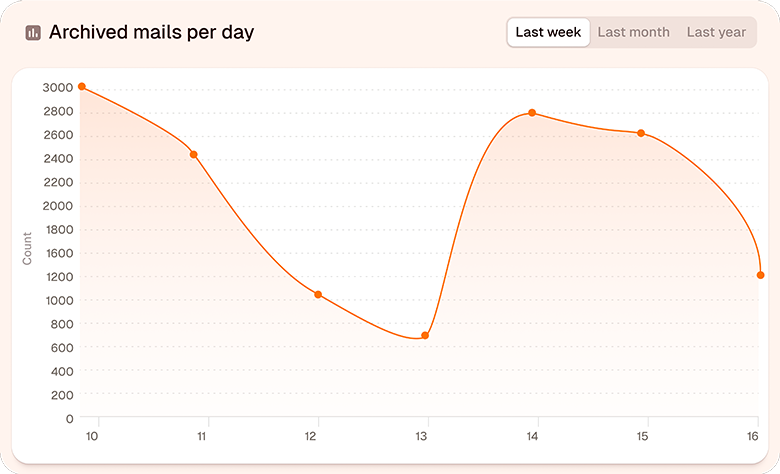
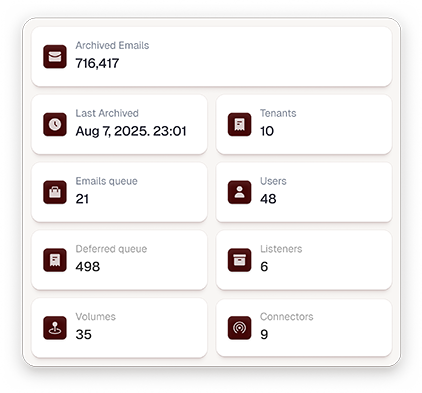
Libraesva Email Archiver provides structured, secure, and searchable preservation of all your email communications, automatically protecting your business information, simplifying compliance, and improving efficiency. Libraesva’s Resilient Archive technology stores every email in highly secure, digitally signed archives built for blazing fast search and e-discovery.
- Easy compliance with industry regulations and data protection legislation (including GDPR, CCPA, SOX and HIPAA)
- Evidence-grade integrity controls, including encryption, anti-tamper protection, auditing, and trusted timestamps
- Customizable retention rules and role-based authorization
- Comprehensive audit trail tracks every access made into your archived data
- Easy integration and flexible deployment options across cloud, on prem, and virtualized environments
FAQ
What is email archiving?
Why is email archiving important for compliance?
What is the difference between email backup and email archiving?
How long should business emails be retained?
Do Microsoft 365 and Google Workspace provide compliant email archiving?
What features should a compliant email archiving solution include?
Is cloud email archiving secure?
Quick Links
Newsroom Reports Why Libraesva Compare Libraesva SecondSight AI Semantic AI Customer Reviews Pricing InfoRelated Product